Puzzle Math Brain Training
Reviews
Puzzle Math Brain Training successfully turns math practice into an engaging puzzle experience. The colorful interface and adaptive difficulty make it suitable for both children and adults. The positive reinforcement system encourages learning without pressure. Timed and relaxed modes offer flexibility for different play styles. Overall, it's a great tool for building math confidence.
Description
Game Introduction
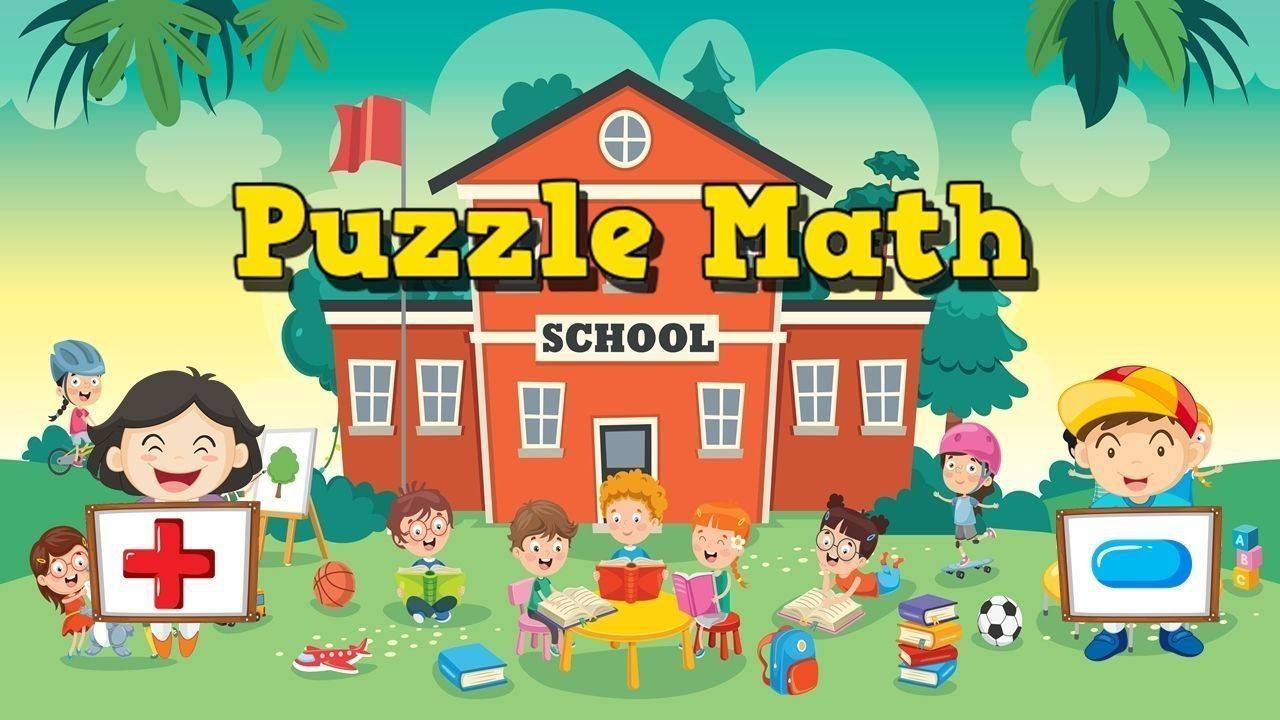
Puzzle Math Brain Training is an educational puzzle game designed to make mathematics enjoyable for players of all ages. The core objective is to solve a variety of colorful puzzles that incorporate different math concepts, from basic arithmetic to more complex logical problems. The game adapts to different skill levels, making it a useful tool for reinforcing classroom learning or providing a stimulating mental exercise. A positive feedback system creates a welcoming environment where learning feels like an adventure. The game combines education with entertainment, turning math practice into a rewarding experience that builds confidence and makes numbers fun.
How to Play
Playing Puzzle Math Brain Training is simple and intuitive. Each level presents a unique puzzle or problem that players solve using their math knowledge. Players typically tap or drag numbers and symbols to form equations, select the correct answer from multiple choices, or fill in blanks to complete sequences. A correct answer reveals a piece of a hidden picture or progresses the puzzle narrative. If players get stuck, helpful hints are available without giving away the solution. The game includes timed challenges for quick thinking and relaxed modes for thoughtful problem-solving.
Game Features
Engaging math-based puzzles that are family-friendly and educational. Multiple difficulty levels accommodate different skill levels. A colorful and intuitive interface makes the game easy to navigate. A positive reinforcement system encourages learning and progress. The game may include timed and relaxed modes to suit different play styles.
Tips for Success
Practice regularly to improve speed and accuracy. Use hints wisely when stuck to learn new problem-solving strategies. Try both timed and relaxed modes to find the balance that works best for you. The more you play, the more confident you become with numbers and logic.